
The Best IPTV Apps for Firestick: The Complete 2025 Guide
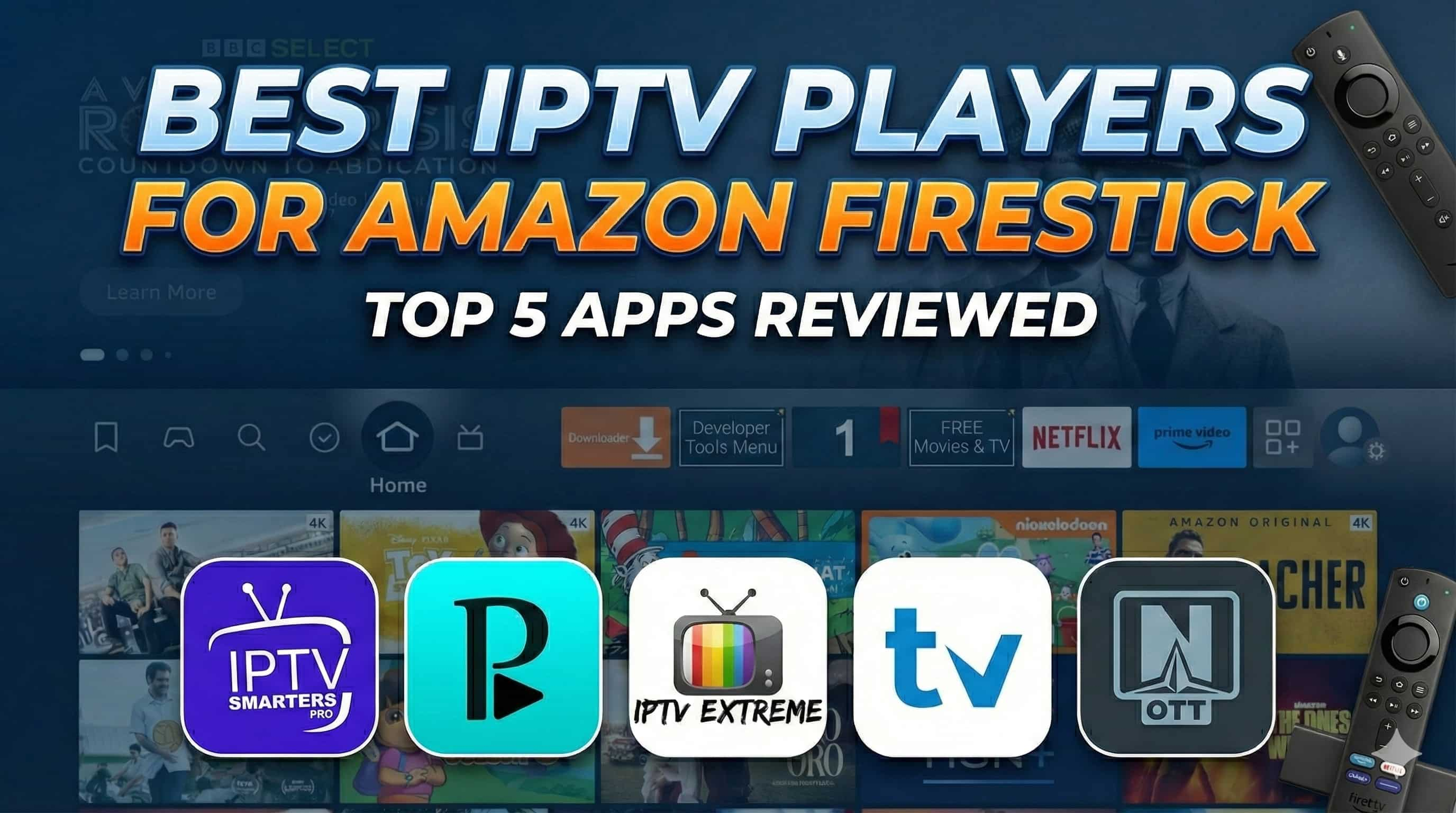
Your Amazon Firestick is not just for streaming from the big boys, take it to a whole new level of home TV entertainment with IPTV. If you are ready to dive in, you will need a quality IPTV player. These are the interface of loading your IPTV subscription and grant you access to tons of Live channels, movies your favorite series to binge-watch. This guide from the power users at EPIX IPTV gets down and dirty, telling you what you really need to know and which apps are already making a difference in 2025.
Preparing your Firestick: The first steps
Before you can install any of these IPTV players, you will need to make a small modification to your Firestick device settings. Amazon doesn't let you install apps from outside the Appstore by default. Here’s how to enable it:
Go to Settings > My Fire TV > About, then Find the Developer option and enable if using an earlier version. Select your device from the screen (eg 'Fire TV Stick') and click it seven times, where you should then get a message that says "You are now a developer".
Permit Unknown Apps: Finally, return to ‘My Fire TV’, click on ‘Developer options’ and then press on ‘Install unknown apps’. Locate the Downloader app and change its on / off if it is off.
Install Downloader App: If you don’t already have the downloader app installed, go to FireStick search (top-left) and type ‘downloader’ and then install the orange-colored app. This is a must have application for app developers or anyone who want to sideload apps using direct download links.
Your device is all ready, assuming these prerequisites were met. Let’s look at the best IPTV apps for android you can use.
TiviMate IPTV Player: The Gold Standard
By far the most popular IPTV player, TiviMate feels like a premium service right from the first start-up. The interface is reminiscent of a newly designed cable box, with a modern look that is easy on the eye. It is specifically designed for Android TV systems, so it is a perfect match for the Firestick. Although it offers a functional free membership, the Premium membership unlocks the full functionality of the player and it is well worth the price.
Key Features:
- Modern Interface: Completely customizable, including channel layout and color scheme.
- Advanced Recording: Record any show, set reoccurring schedules, and more. Storage required, files cannot be saved otherwise.
- Multi-Playlist: Use more than one IPTV subscription at the same time.
- Picture and Picture: Watch more than one channel simultaneously.
- TV Guide : A clean, fast epg that is user friendly.
TiviMate IPTV Player for Downloader Application Download code is 272483
IPTV Smarters Pro: The Multi-Subscription Powerhouse
IPTV Smarters Pro has been a player in the IPTV industry for years. This player can handle several subscriptions per user and offers a setting that makes it easy to track which subscription is being used for specific content. The interface features clearly marked icons that help the user find their favorite channels quickly. It is also compatible with M3U playlists and the Xtream Codes API login.
Key Features:
- Easy Multi-Service Handling : This is user-friendly for those who use two services or more.
- Cross-Platform Capable : Along with the Amazon Firestick, this player supports iOS, Android, Windows, and macOS.
- Built-in TV Guide : Functional EPG is available to help you keep up with programs.
- Parental Control : Allows parents to regulate television programs using streaming apps.
IPTV Smarters Pro Downloader Application Download code is 6468112
OTT Navigator: The User-Friendly Contender
A newcomer in the landscape, OTT Navigator has rapidly risen through popularity due to its clean, easy-to-use interface and feature-packed performance. Beginners will love, how much simpler it is to use with no learning curve. It works with both Xtream (IPTV specialists) and M3U playlists and is one of the few that offers a usable free version, though there’s a more feature-packed premium upgrade available too.
Key Features:
- Easy to use: The simple setup and an easy to use interface make it accessible to anyone.
- Lightning Speed Performance: Kodi bundles don’t possess this feature. They are slow and the user can get frustrated easily while using them.
- Personal TV guide: Your built-in EPG allows you to control your program schedule.
- User profiles: Create up to six profiles for family members, so that you can keep everyone’s Favourites and recommendations separate.
- Download: (Can be downloaded through Downloader) The application is available on Aptoide TV.
Perfect Player: The Best Free Option If you’re a fan of streaming, then Perfect Player is about as close to the perfect app for IPTV that you can find in the Play Store.
For the ones in search of a powerful and free solution Perfect Player is great. The interface might look a little old compared to TiviMate, but it’s very light and functional so ideal for older Firestick models. It can work with different playlist and EPG formats, but boasts a truly decent feature set for a free app (even it's ad-supported).
Key Features:
- Entirley Free: Every single feature is free of charge there is no subscription or hidden fees.
- Light and Fast: Powerful, even on slow computers.
- Support Multiple Formats : M3U, XSPF and XMLTV (EPG) in addition to almost every popular output format.
- Personalized User Interface: Multiple settings to change the player & interface’s appearance.
- Download: Requires sideloading (use Downloader to find official APK).
IPTV Extreme: The No-Nonsense Free Player With More Features
IPTV Extreme is a good free IPTV player with plenty of advanced features typically only available in paid apps. It is compatible with all sorts of playlist formats including M3U, Xtream Codes, and MAG Portals. But, it’s easy-to-use and offers strong features like a recording tool, parental controls and an extensive TV guide, so it is definitely a strong contender in the free market.
Key Features:
- Advanced Free Features: Free recording, EPG Multi action and Parental controls.
- Wide Appplicability: For M3U, Xtream Codes and MAG Portals, for your favorite look.
- External Player Support: Use external video players, such as VLC, for playback.
- Easy to Use: Has a nice organization of channels and easy on the eye interface.
- Download: Requires sideloading through Downloader (look for the official APK).
Feature Comparison at a Glance
To make your decision easy, here’s a brief comparison of key features of our top 5 IPTV players. This table has been meticulously created by the EPIX IPTV to draw out as many differences as possible.
| Feature | TiviMate | IPTV Smarters Pro | OTT Navigator | Perfect Player | IPTV Extreme |
|---|---|---|---|---|---|
| Price | Freemium ($10/yr) | Freemium | Freemium ($.99/mo) | Free | Free (adsupported) |
| User Interface | Modern & Customizable | Clean & Organized | Simple & Intuitive | Basic | Functionally |
| Family friendlyRecording (DVR) | Yes (Advanced users only) | Yes | Yes (Premium Only) | No | Yes |
| Multiple Playlists | Yes | Core Featurees | EPG Support | Yes Advance Users Only | ESParents Control Features |
| Player+LiveTV | Best Overall Experience | Support for more than 1 service | Beginers. | Support Free Use | Advance use of app. |
Final Thoughts from EPIX IPTV
Selecting the perfect IPTV player plays a very important role in an excellent streaming experience on your Firestick. Although TiviMate is a great app, the other apps in this list work for multiple purposes. So whether you value a full free experience with Perfect Player or you are simply needing to juggle more than one account with IPTV Smarters Pro, there is something for everyone. We trust that this EPIX IPTV guide will help you unveil the Firestick’s full capabilities.